




Price: $18.99
(as of Apr 21, 2026 06:14:27 UTC – Details)

Product description
Why doesn’t the BPR1 series remote work properly on my PC? The “OK” button doesn’t respond.
The BPR1S Plus is a replacement remote for Android Devices. For PC use, it requires a different firmware version. Please install the PC-compatible firmware to ensure proper function.
I can’t click the “OK” button when logging into my Google account with the air mouse remote. What’s the issue?
When using the BPR1S Plus air mouse, avoid using mouse mode on the Google login page. Mouse mode is not compatible with the “OK” button. Please turn off mouse mode and try again.
How can I check if the remote is compatible with my device?
Make sure your device runs on the Android system. If you’re not sure, please provide the device name and model to our support team for compatibility confirmation.
Can I use it on my TV?
It works properly only on TVs with an Android-based system. Other TV systems may have partial compatibility issues.
Can infrared learned codes be transmitted in Bluetooth mode?
1.The Power button can be used to wake up the device.
2.Other buttons cannot transmit infrared learned codes. If you need to use infrared learned codes in BT mode, please choose an infrared-isolated remote control, such as the BPR2 and BPR3 series.
 BT&2.4G Wireless Remote Control
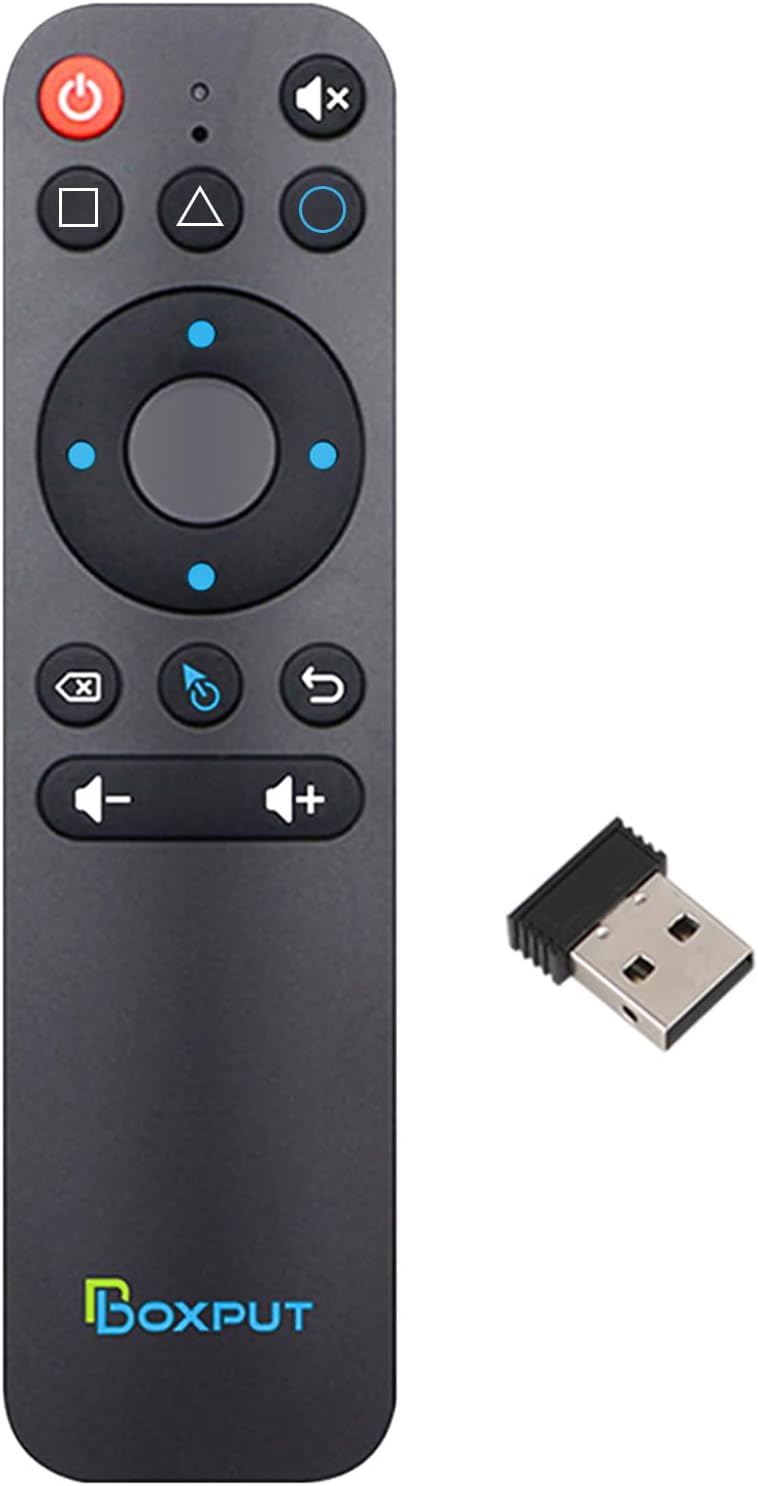
BOXPUT BPR1S Plus Air Mouse Remote Control
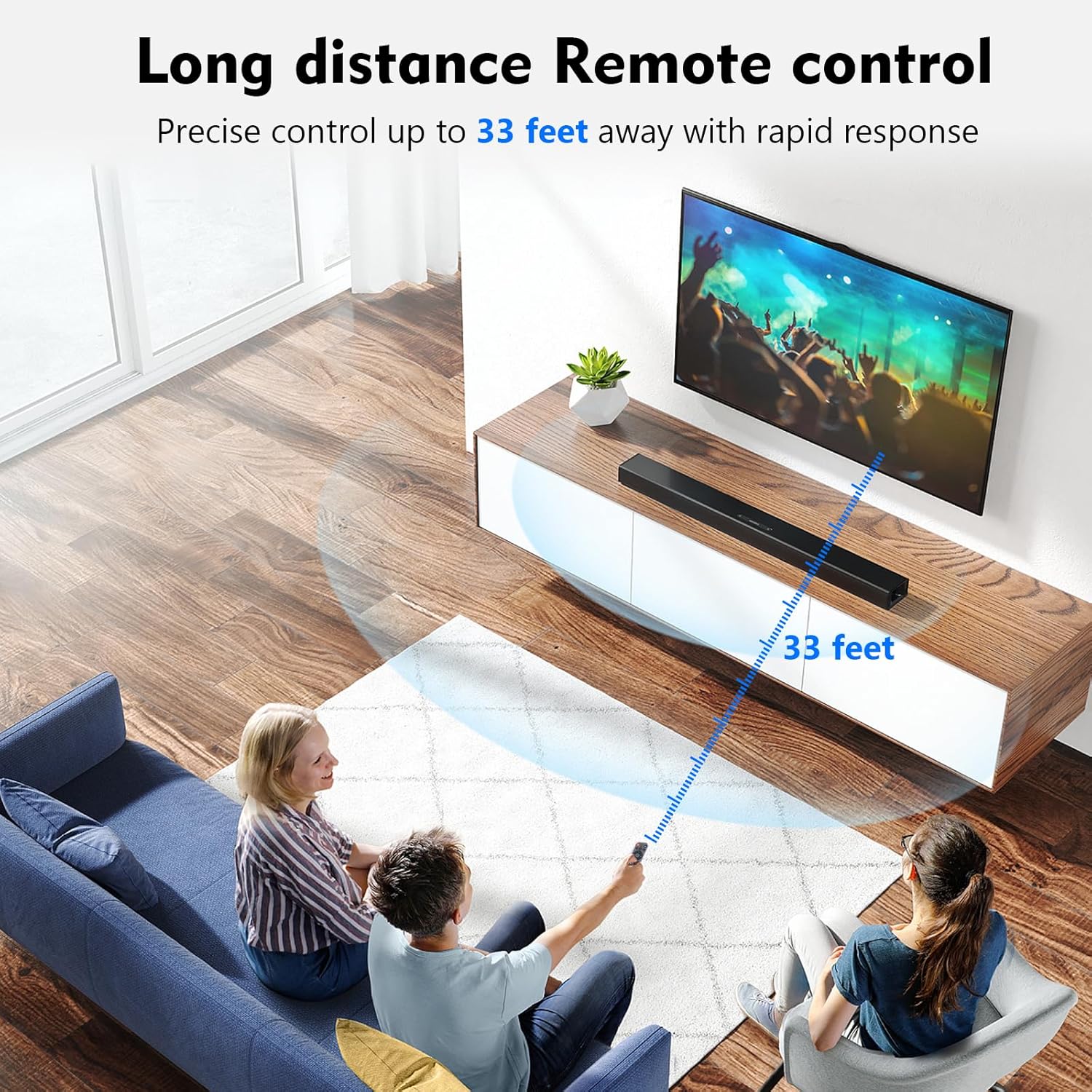
Why choose our remote? The BPR1S Plus offers smooth, accurate control with a 6-axis gyroscope—works even when tilted or upside down. In 2.4G mode, just plug in the USB 2.0 receiver. No setup needed, and after pairing, you can control devices from up to 33 ft away. A dedicated return button makes navigation faster. Easy, responsive, and built for daily use.
How To Use The BPR1S Plus Air Mouse Remote Control  2.4G Pairing
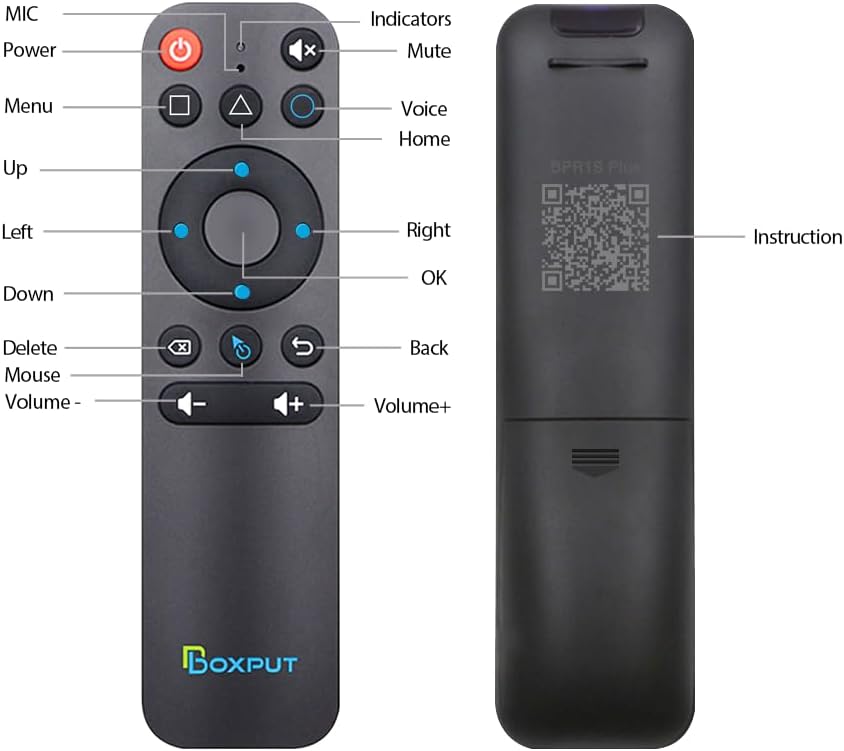
1. Keep pressing the “OK” and “Back” at the same time till the light flashes.2. Plug in the USB receiver and keep the remote near the USB receiver within 50 cm for faster pairing.3. The indicator light stops flashing to indicate successful pairing.  Description of Compatible Devices
This BPR1S Plus air mouse remote control supports almost android devices, Except Fire Stick, DVB Box, ROKU Box, MAG Box, Apple Box and some LG S-amsung TVs.
 IR Learning (All buttons)
1. Press the button that needs to learn for 8 seconds till the indicator light is always on after flashing, then release.2. Align the IR, and press the button that would be learned, it shows success when the indicator light flashes.3. Repeat 1~2 to learn the other buttons.  BT Pairing
1. To pair another new device, press “OK” and “Back” at the same time till the light flashes.2. Keep the remote control within 1 meter of the device for faster pairing.3. Open BT searching, and pair with “BPR1S Plus”.
Core Features Comparison
Add to Cart
Add to Cart
Add to Cart
Add to Cart
Add to Cart
Customer Reviews
4.4 out of 5 stars 85
3.8 out of 5 stars 74
3.2 out of 5 stars 22
4.6 out of 5 stars 33
3.6 out of 5 stars 16
3.4 out of 5 stars 6
Price
$18.99$18.99
$15.00$15.00
—
$15.15$15.15
$17.00$17.00
$18.15$18.15
IR Learning
✓
✓
✓
✓
✓
✓
Bluetooth
✓
✓
✓
✓
✓
✓
Gyroscope
✓
✓
✓
✓
✓
✓
Voice input
✓
✓
✓
✓
✓
✓
2.4G Connection
✓
✓
✓
TV 4 Buttons IR Isolation
✓
✓
✓
✓
BPR1S Plus Product Parameters
Transmission method 2.4G+IR+BT Distance >10m Product Material Plastic Color Black Battery Type AAA*2 (Not Included) Voice remote control Voice Search(2.4G Mode) Gyroscope 6-axis gyroscope Net weight 40g Product Size 7.22 x 1.83 x 0.78 inches Product Application Occasion TV box, projector, TV, mobile phone, tablet computer,desktop computer, all-in-one, multi-scene application. Incompatible devices Fire Stick, DVB Box, ROKU Box, MAG Box, Apple Box and some LG TVs. Firmware upgrades OTA
【Full IR Learning & Universal Control】The BPR1S Plus remote supports IR learning for all buttons, making it compatible with most AOSP devices, Android smart TVs, and some ATV devices. Buttons without IR learning function in 2.4G/BT mode. Once IR learning is complete, the power button prioritizes sending IR signals. Works seamlessly as a replacement USB remote control for TV or remote for Android box.
【Simple Voice Input】Easily search TV programs with the built-in voice assistant. In 2.4G mode, voice works with Android TV and ATV devices; in BT mode, it’s compatible with select devices like TCL Smart TV, Shield TV, HAKO mini, and Google TV. Voice commands work in supported apps, allowing your TV box to be controlled smoothly with the BT remote.
【Wireless 2.4G RF & Plug-and-Play】This remote comes with a USB receiver for easy setup. Just plug it in and insert two AAA batteries (not included) – no drivers or complicated programming required. Enjoy stable control up to 10 meters, ideal for use as a PC monitor remote, USB remote for TV Box, or remote with USB controller for Raspberry.
【Precise Pointing】The BPR1S Plus replacement Remote Control helps to accurately remote control TV or PC with 6-axis gyroscope sensor. Hold the air mouse remote and turn your wrist, it can be converted into the movement of the cursor on the screen, allowing you to remotely control computers, TV Box, TV stick and other entertainment equipment.
【Firmware Description】This newly upgraded BPR1S PLUS remote control comes with two firmware versions. The default version is the standard version, suitable for TV boxes, TV sticks, and TVs. The other version is the PC version, designed for computers and tablets. To switch the remote to PC mode, press and hold both the “OK” button and the “Mouse” button until the indicator light blinks once. To switch back to the standard mode, repeat this process.
【Attention – Not Compatible Devices】This universal remote control is not compatible with Fire Stick, DVB Box, ROKU Box, MAG Box, Apple Box, LG and Samsung TVs. If you are unsure whether your media player is compatible with this remote as a replacement for the original, please contact us before purchasing.