



Price: $9.98
(as of Apr 21, 2026 01:37:46 UTC – Details)

Product description


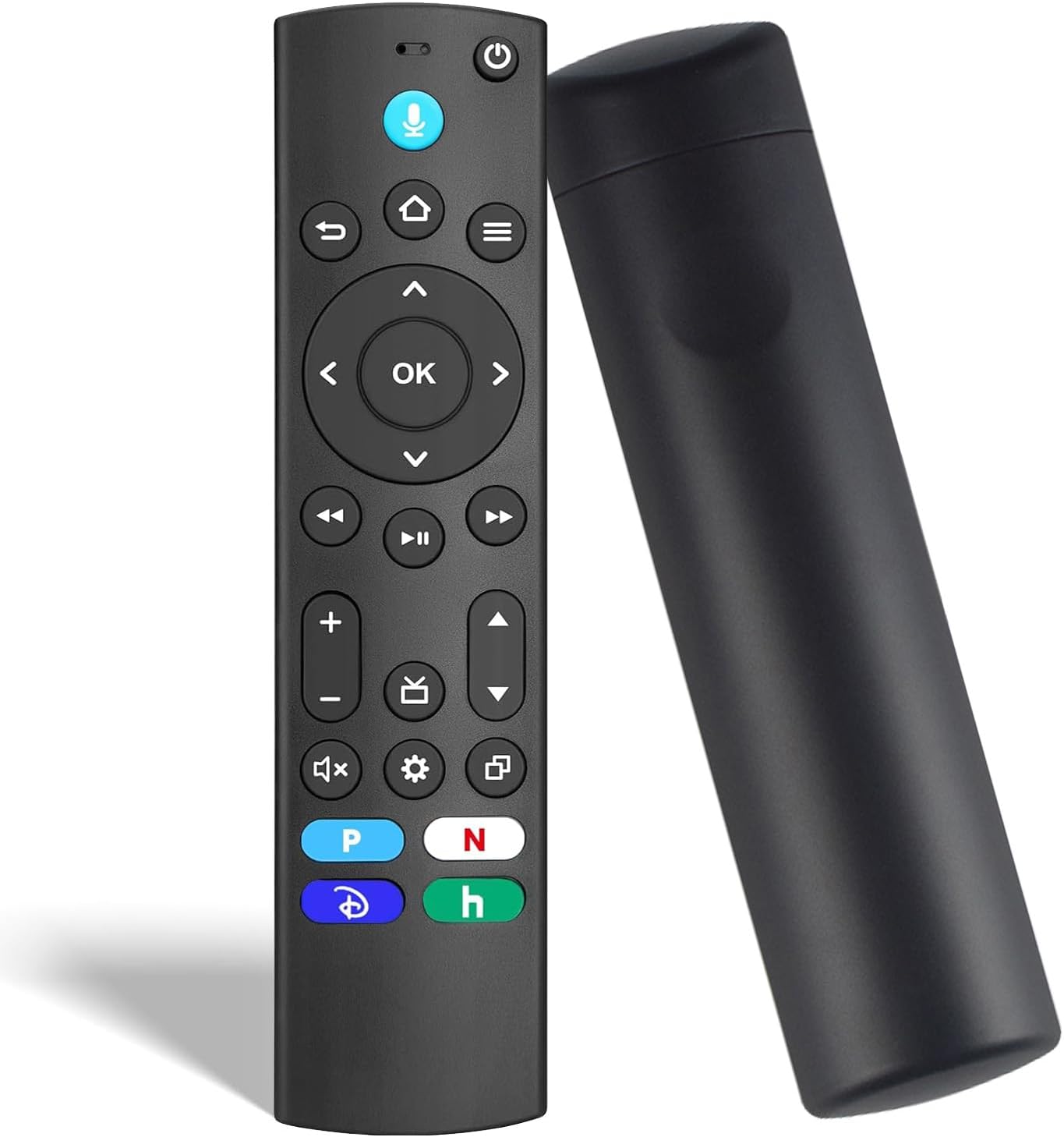
Universal Compatibility: This Voice Remote Is Compatible with Amazon Fire TV Stick (HD, 2nd Gen, 3rd Gen, 4K, 4K Select, 4K Plus, 4K Max, Lite) and Fire TV Cube (1st Gen, 2nd Gen, 3rd Gen). It Is Also Compatible with Amazon Fire TV Omni Series and 4-Series TVs, as Well as Compatible with Toshiba Fire TV Edition Smart TVs Including LF711, LF621U, LF421U, LF221U, C350, A810U, A710U, M550, V35 Lines.
Not Applicable Device: Please Note – This Remote Is NOT Compatible with Smart TVs Running Other OS, Very Early-Generation Streaming Devices (e.g., Models Released Before 2018), or Streaming Stick (1st Gen). Please Verify Your Device’s Model and Operating System Before Purchase to Ensure Compatibility.
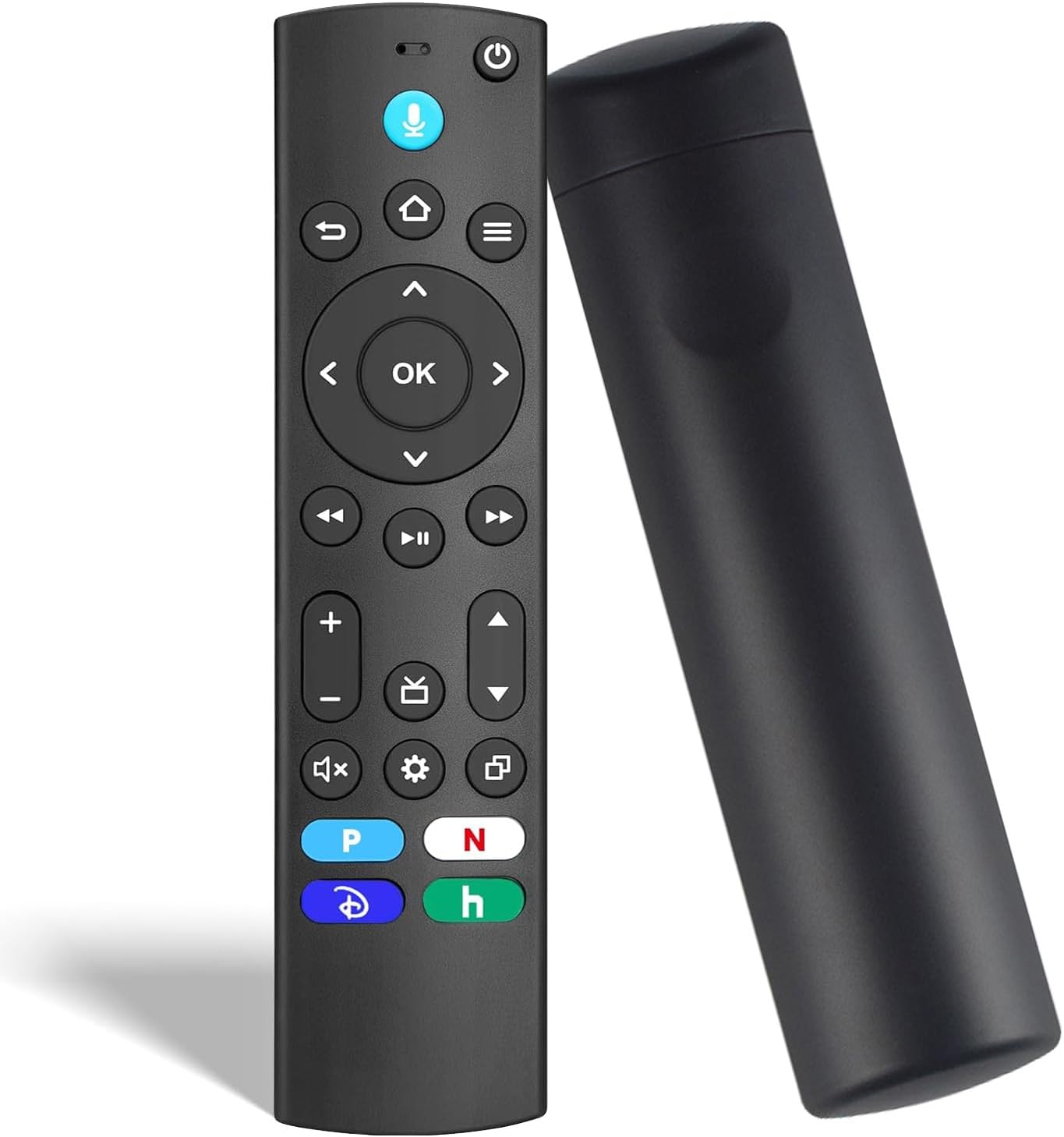
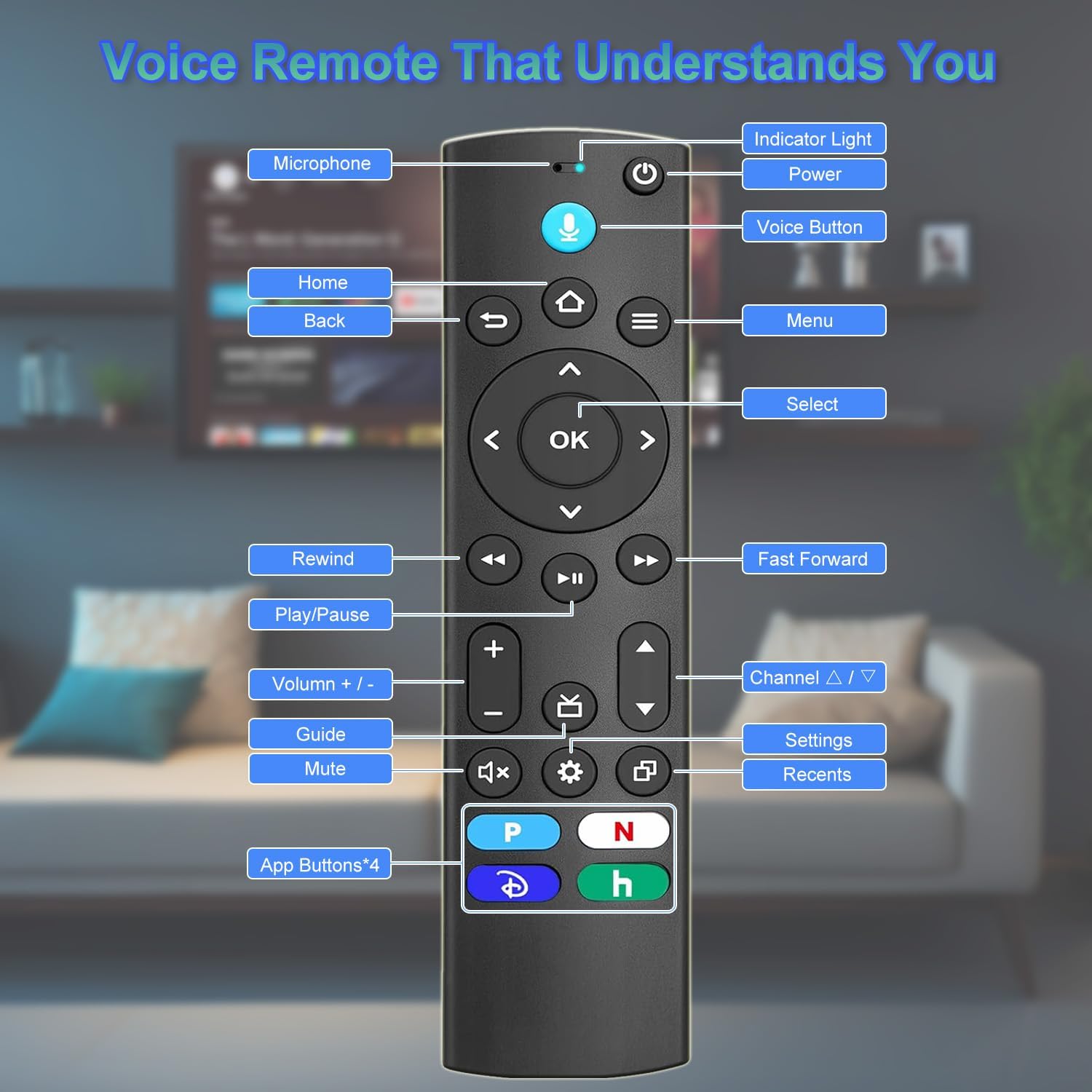
Voice Control and Shortcut Keys: The LTNOKLTN Replacement Remote Control Features Voice Functionality, Allowing You to Search and Jump to Your Favorite Content via Voice Commands. It Also Comes with 4 Preset Application Shortcut Keys for Quick Access to Frequently Used Apps.
Easy Pairing: Simply Press and Hold the Home Button for 10 Seconds, Then Press the Power Button and Follow the On-Screen Prompts — the Remote Will Automatically Enter Pairing Mode.
Note: 1. Please Ensure Your Device Is Compatible with This Remote Control Replacement. 2. Prepare 2 AAA Batteries in Advance (Batteries Not Included). 3. Read the Manual Carefully Before Pairing.