



Price: $12.99 - $9.99
(as of Apr 20, 2026 12:19:18 UTC – Details)

Product description


Note: If the VOLUME+/-, MUTE, and Power buttons don’t work after pairing the new remote with the TV stick or cube, please press the HOME button first, then navigate to Settings at the top of the Screen, then select: > Equipment Control > Manage Equipment> TV > Change TV.
Follow the prompts on the TV screen to learn the functions. Once learning is complete, the mentioned keys should work.
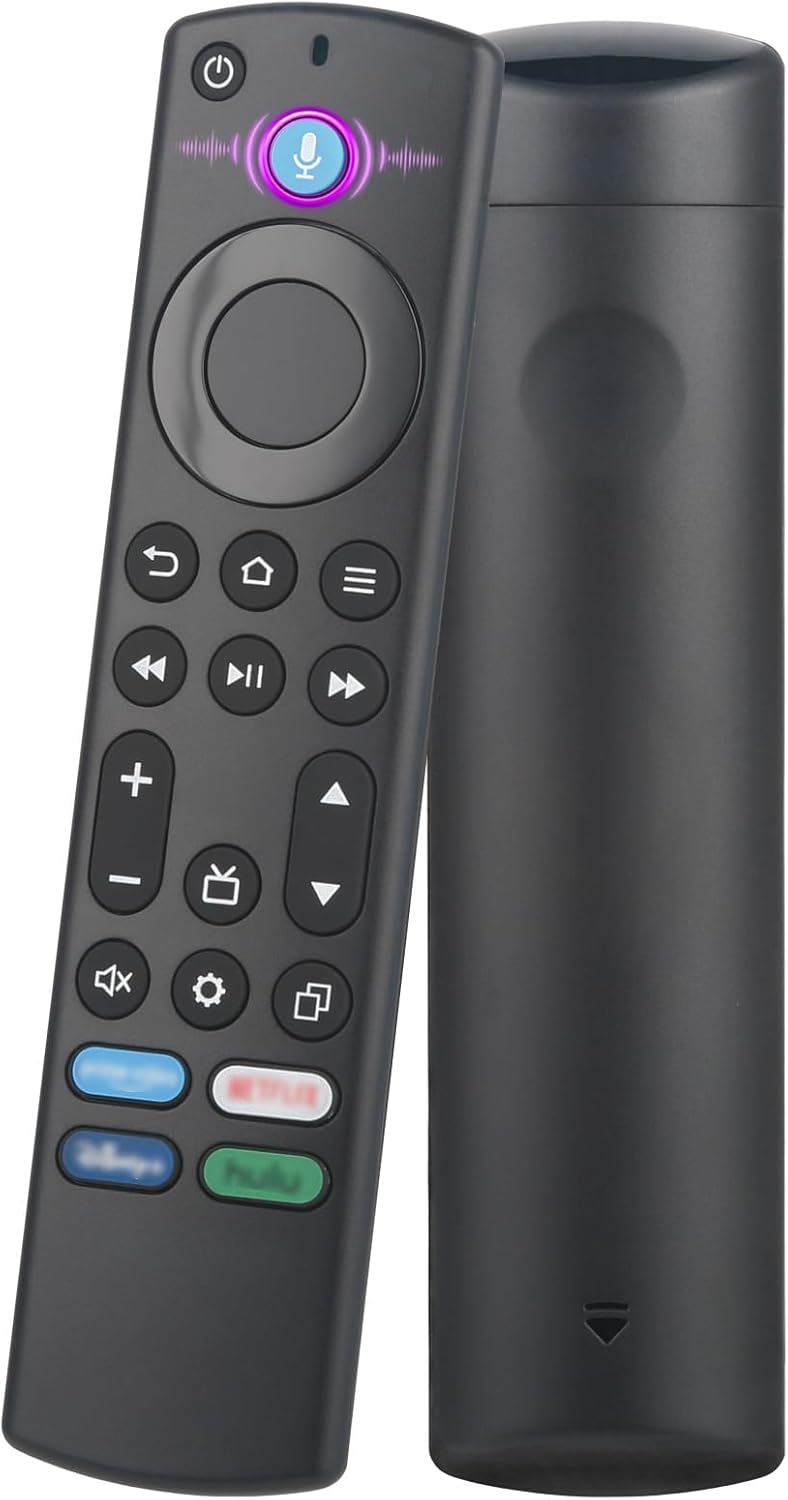
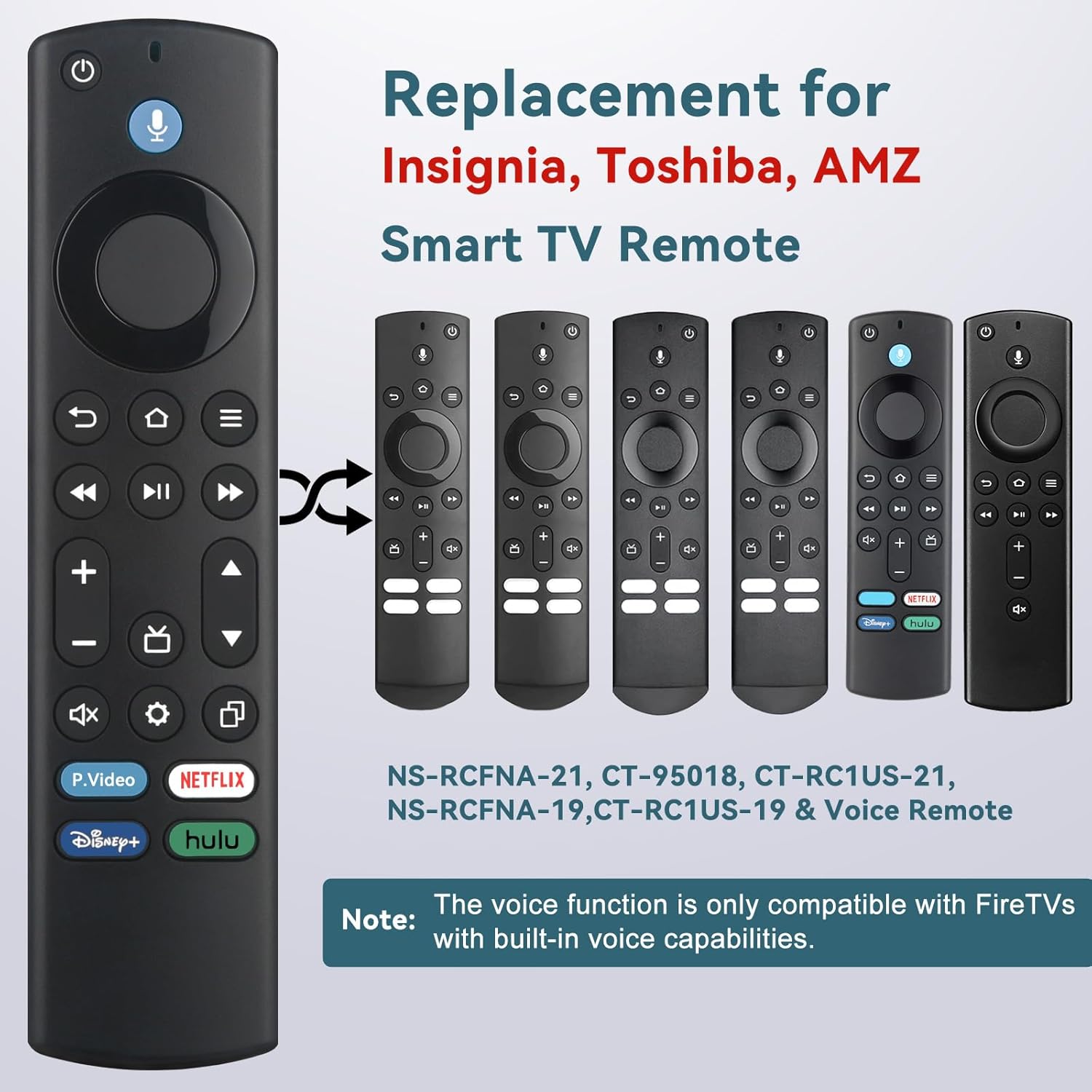
【Compatibile with FireStick】Replacement for Fire-Stick ( 2nd / 3rd Gen), TV Stick 4K (1st / 2nd Gen), TV Stick 4K Max (1st / 2nd Gen), TV Cube(1st / 2nd / 3rd Gen), TV Stick Lite( 1st / 2nd Gen), Smart TV (3rd Gen Pendant Design)
【Compatibile with Fire TV Remote】Replacement for Insignia, Toshiba, Pioneer, Omni Smart TV Remote. Not for Roku/Samsung
【Voice Control】Enjoy the convenience of controlling your device with your voice. Effortlessly search, launch apps, and adjust volume, completely hands-free.
【Effortless Pairing】1. Press and hold the stick remote’s Home button for 10-15 seconds. 2. Release the button once the LED light starts flashing rapidly. 3. Wait for about 60 seconds. The pairing will complete automatically.
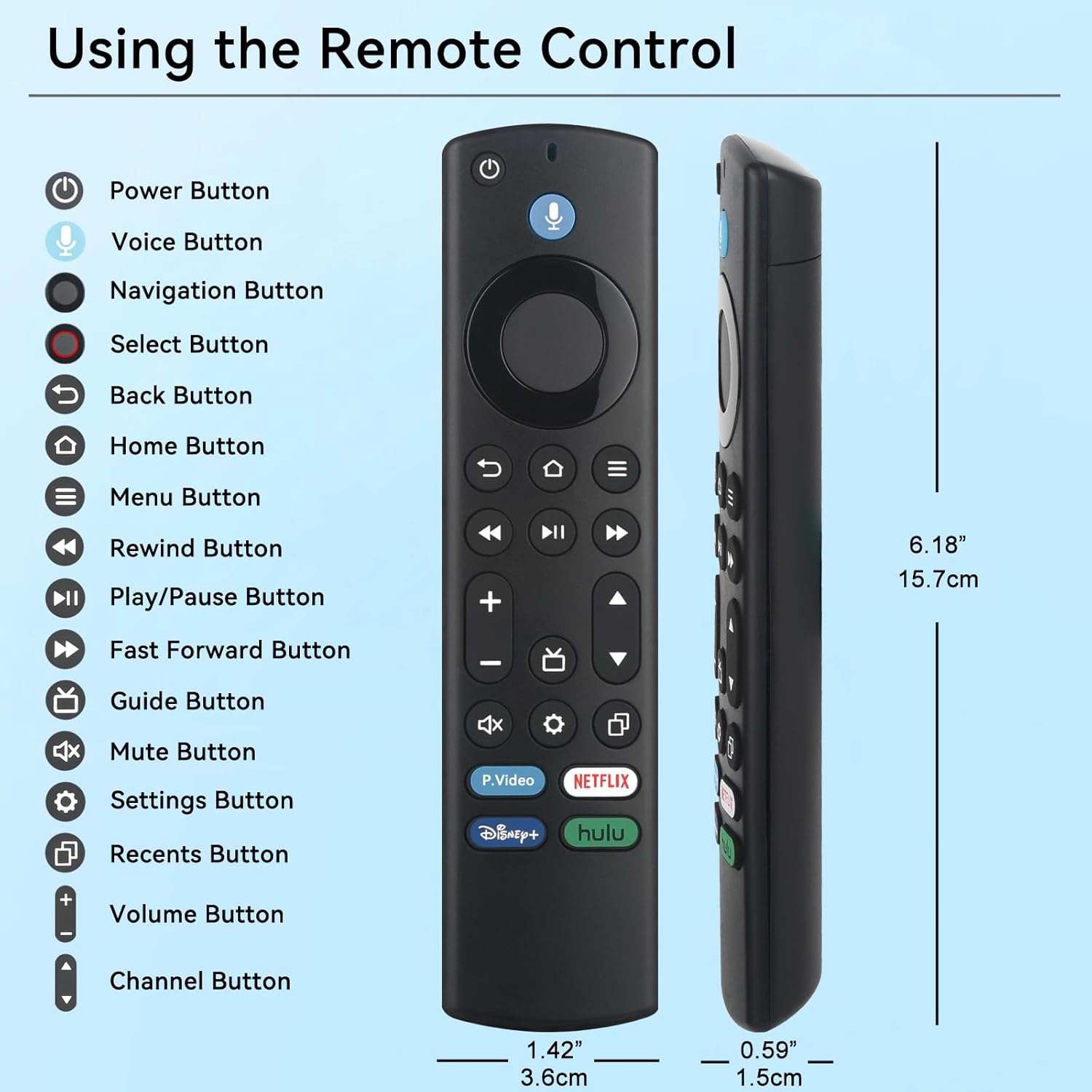
【4 Shortcuts with Fire TV Remote】The replaced fire tv remote features 4 shortcuts(with P.Video / Netflix / Disney+ / Hulu) for popular streaming channels. It makes your life easier!